Arky · Cinematic Gaming Noir

STREAM
OVERLAY
PACK

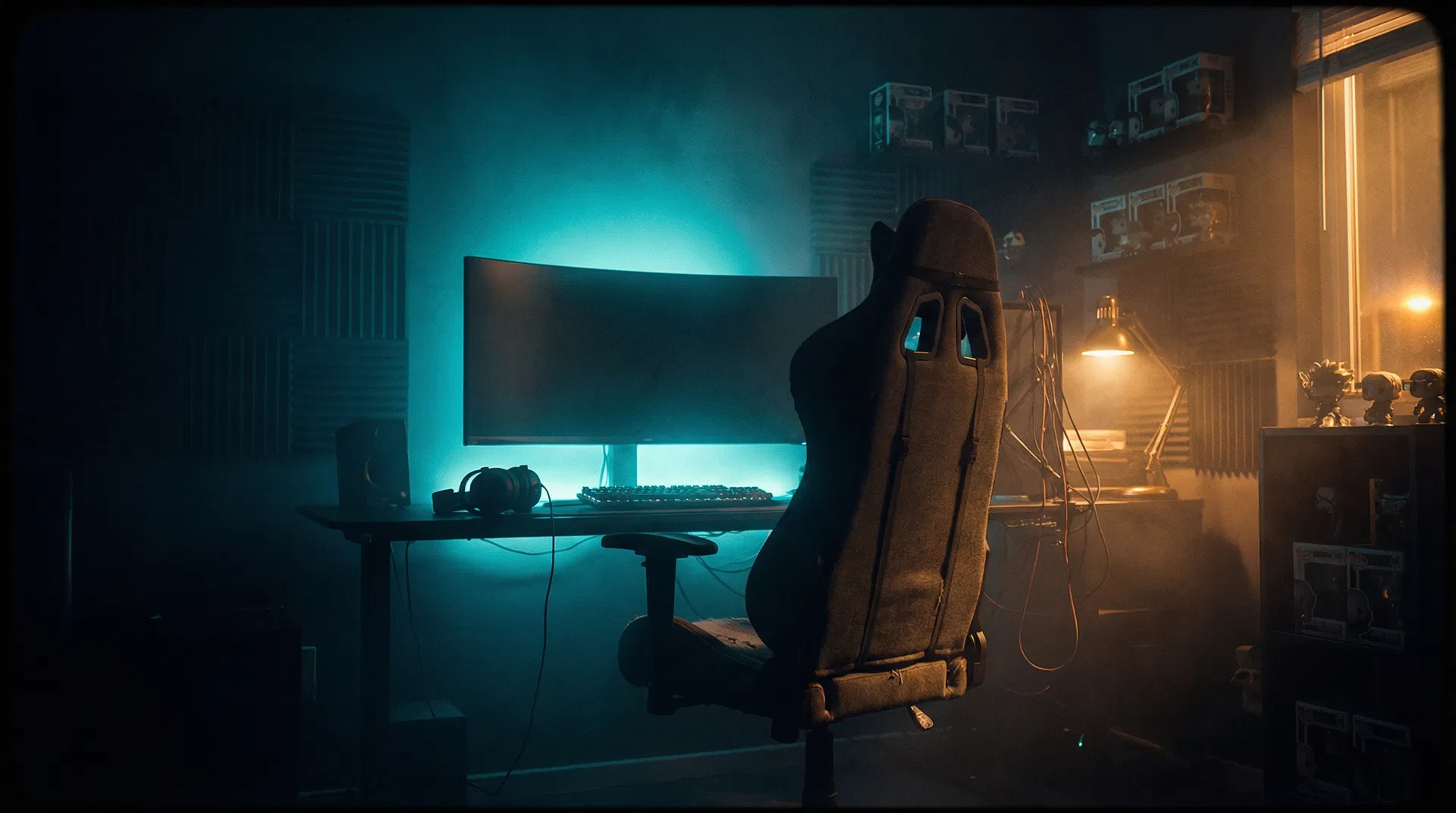
A complete, brand-matched overlay pack built on the Cinematic Gaming Noir design system. Teal & amber accents, Bebas Neue display type, and a deep near-black palette — ready to drop straight into OBS or Streamlabs.

Brand Palette
Background
#080B14
Teal
#0ABFBC
Amber
#F5A623
Surface
#0F1520
Text
#F0F4FF
Pack Contents8 Components
01
Starting Soon
Full Screen
1920×1080
02
Be Right Back
Full Screen
1920×1080
03
Stream Ending
Full Screen
1920×1080
04
Webcam Frame
Overlay Layer
1920×1080
05
Alert Box
Browser Source
400×200
06
Stream Panels
Channel Panels
320×160 ×5
07
Lower Third
Overlay Layer
600×80
08
Chat Box
Browser Source
300×500
01 – 03 · Full Screen Overlays

Transition Screens

Three cinematic full-screen scenes for stream transitions. Add as Image Sources in OBS and switch between scenes using hotkeys.
ArkyArky
STARTING
SOON

Grab a drink, get comfy.
Stream starts in just a moment.

TikTokTwitchKickDiscord
01 · Starting Soon
OBS: Image SourceScene: Starting Soon1920×1080
Arky
BE RIGHT
BACK

Arky has stepped away for a moment.
He'll be back shortly — don't go anywhere!

Stream Paused
02 · Be Right Back
OBS: Image SourceScene: BRB1920×1080
Thanks for watching
STREAM
OVER

Thanks for hanging out in The Arkade!
Follow for the next session — see you tomorrow.

@manlikearkyTikTok · Twitch · Kick · YouTube
ArkyArky
03 · Stream Ending
OBS: Image SourceScene: Ending1920×1080
04 – 05 · Live Stream Elements

In-Stream Elements

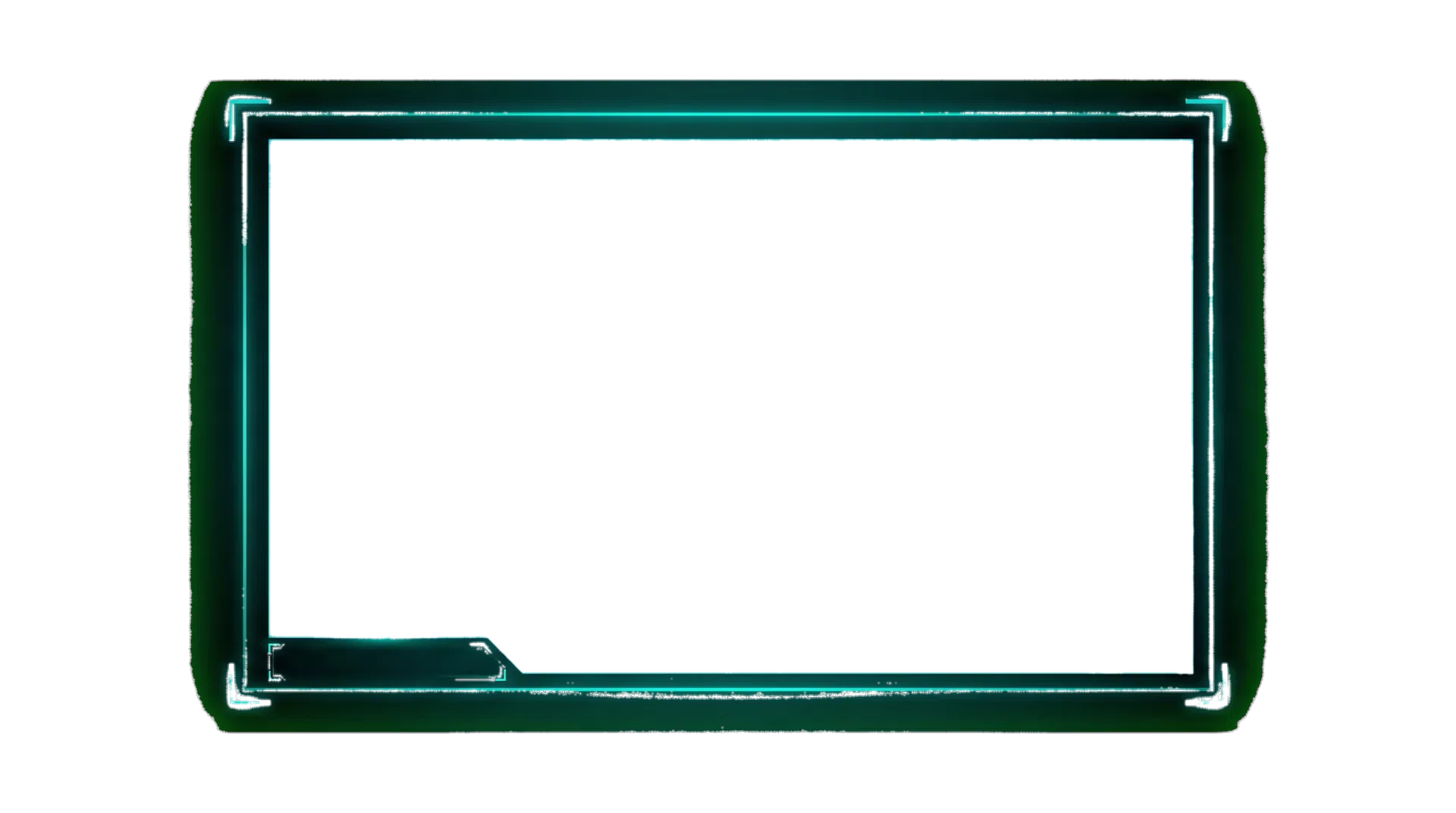
Overlay layers and alert components that sit on top of your gameplay. The webcam frame is a transparent PNG; alerts are browser source widgets.
Webcam Area
Arky
Webcam Frame
LiveArky
TikTokTwitchKick
04 · Webcam Frame + Stream Layout
OBS: Image Source (transparent)Layer above game capture1920×1080
New Follower!
GamerXYZ just followed the channel!
05 · Alert Box
OBS: Browser SourceStreamlabs Alerts400×200px
Arky
Arky
🇬🇧 Gaming Creator · Over 30s Club
TikTokTwitchKick
07 · Lower Third Name Tag
OBS: Browser SourcePosition: Bottom-left600×80px
Chat
The Arkade
GamerUK30:Let's go Arky!! 🎮
ArkadeVet:Good vibes only 👑
ProGamer99:That was insane!
StreamFan:First time here, love it
👑 Arky:Welcome to The Arkade!
08 · Chat Box Frame
OBS: Browser SourceTwitch/Kick Chat Widget300×500px
06 · Channel Panels

Stream Panels

Five branded channel panels for Twitch and Kick. Upload as Image Panels in your channel settings. Each panel is 320×160px.

👤About

Hey, I'm Arky — a 35-year-old British gamer streaming daily.

"All the gear, no idea" 👑

320×160px
📅Schedule
Mon–SatEvening GMT
Live Daily
No streams Sundays
320×160px
📋Rules
Be respectful
Good vibes only
No spam
No hate speech
Have fun!
320×160px
🌐Socials
TikTok@manlikearky
Kick/manlikearky
YouTube@Arky
DiscordThe Arkade
320×160px
💙Support

Enjoying the stream? Show your support!

Follow · Sub · Donate
320×160px
Setup Guide

OBS / Streamlabs Setup

🎬Scene Structure
  1. Create scenes: 'Live', 'Starting Soon', 'BRB', 'Ending'
  2. Add game capture as base layer in 'Live' scene
  3. Add webcam frame PNG as top layer (transparent)
  4. Add lower third browser source at bottom
  5. Add chat box browser source on right side
🔔Alert Setup
  1. Use Streamlabs or StreamElements for alerts
  2. Set alert box size to 400×200px
  3. Match colours: Teal #0ABFBC, Amber #F5A623
  4. Use Bebas Neue font for alert text
  5. Set animation: slide in from top, fade out
🎨Colour Settings
  1. Background: #080B14
  2. Primary Accent: #0ABFBC (Teal)
  3. Secondary Accent: #F5A623 (Amber)
  4. Text: #F0F4FF
  5. Muted Text: #8A9BB5
🔤Font Setup
  1. Display / Headlines: Bebas Neue (Google Fonts)
  2. Subheadings: Space Grotesk (Google Fonts)
  3. Body / Chat: DM Sans (Google Fonts)
  4. Install fonts locally for OBS text sources
  5. Use letter-spacing: 0.05em for Bebas Neue
ArkyArky · Stream Overlay Pack
← Back to Media Kit